


Take your money goals further
Loans when you need it, savings that grow with you




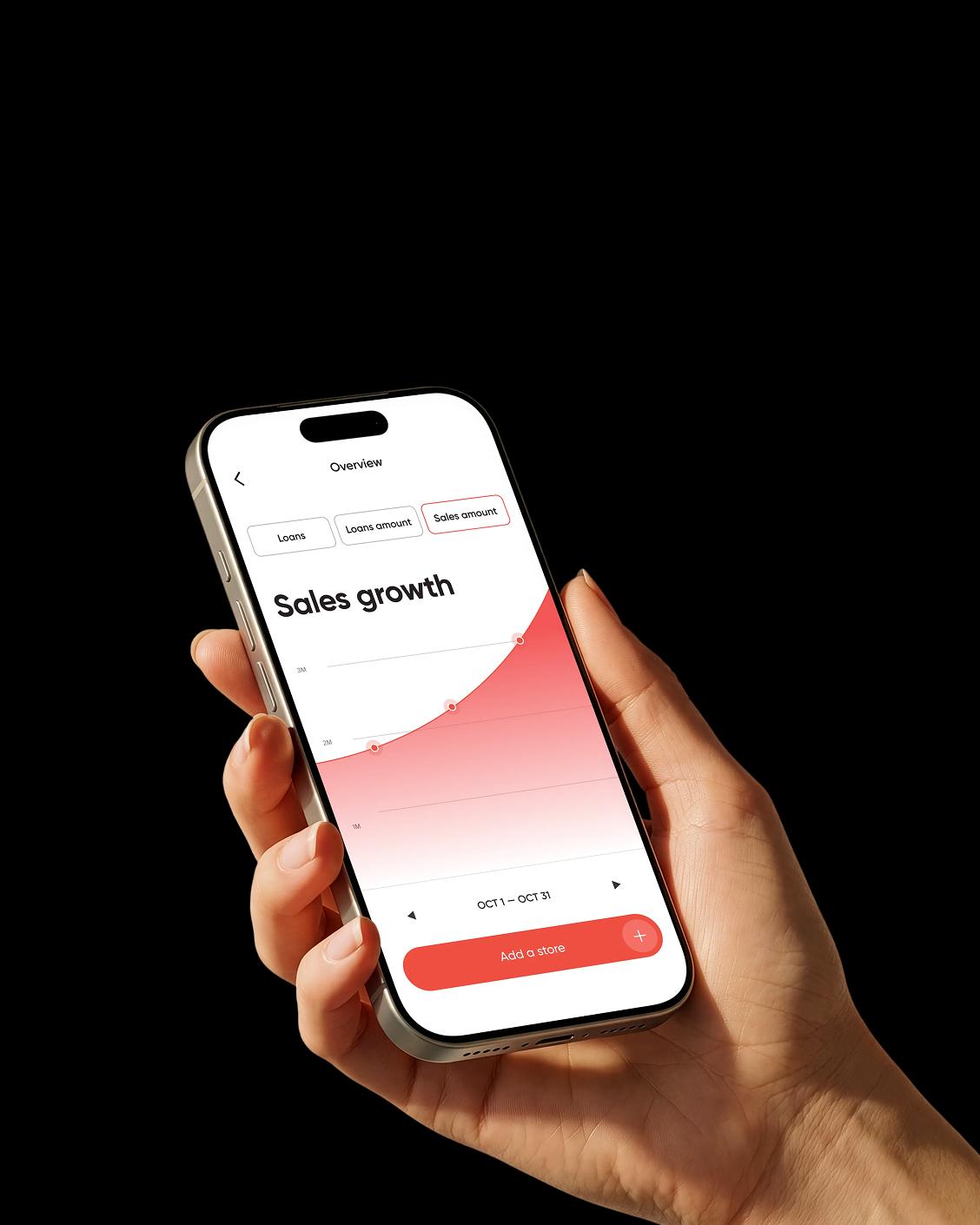


Why choose Salmon
Most financial institutions make you prove yourself before they help you. We built Salmon the other way around — clear terms, fast onboarding, and real humans when you need them
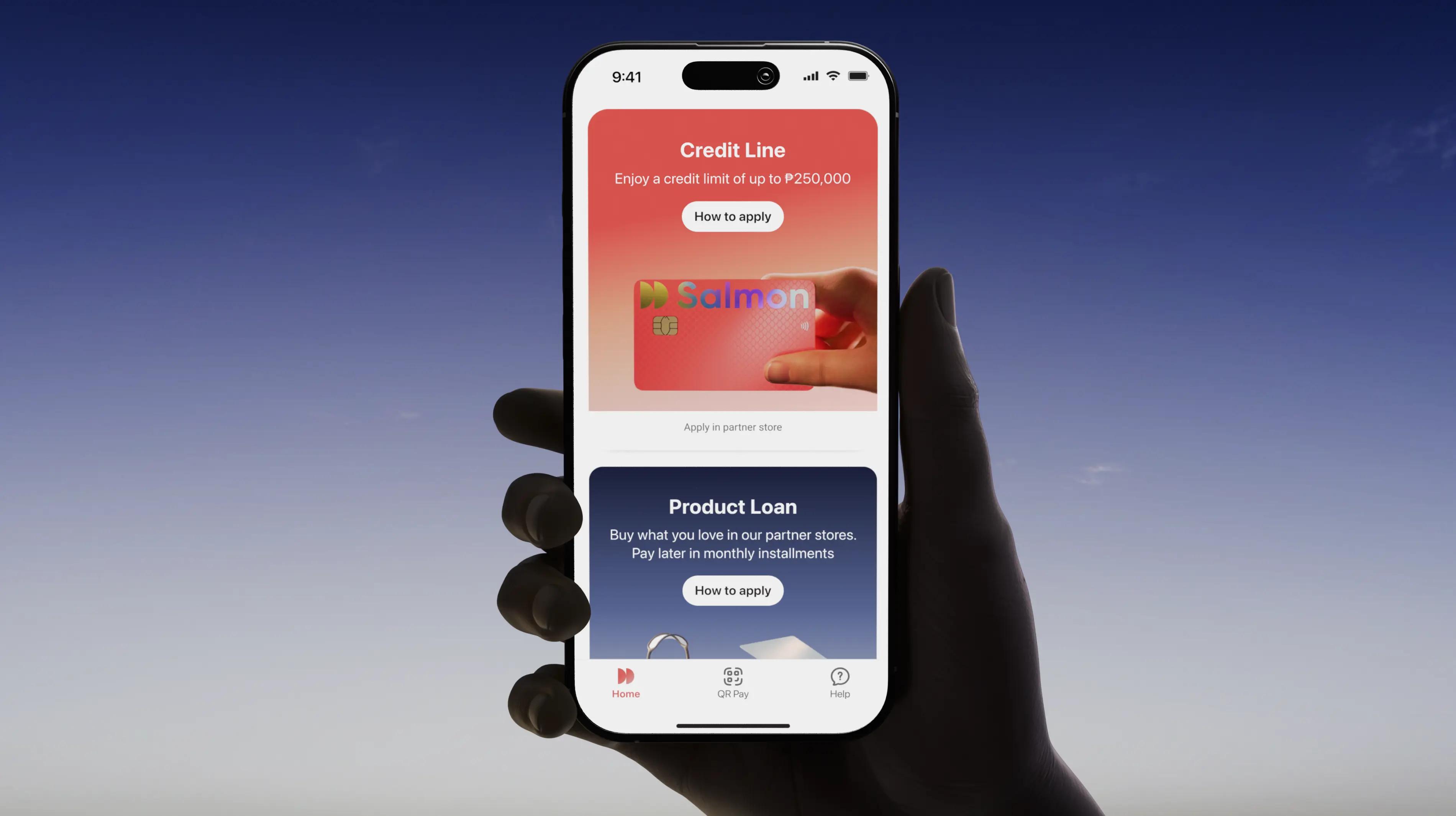
All-in-one Salmon app
Loans. Credit. Savings. One app to manage them all
Faster sign-up and access
Simple steps, clear guidance — no time wasted
Talk to a real person 24/7
In-app chat support for your transactions when you need it
Competitive savings
Grow your savings from 6% p.a. with Time Deposit
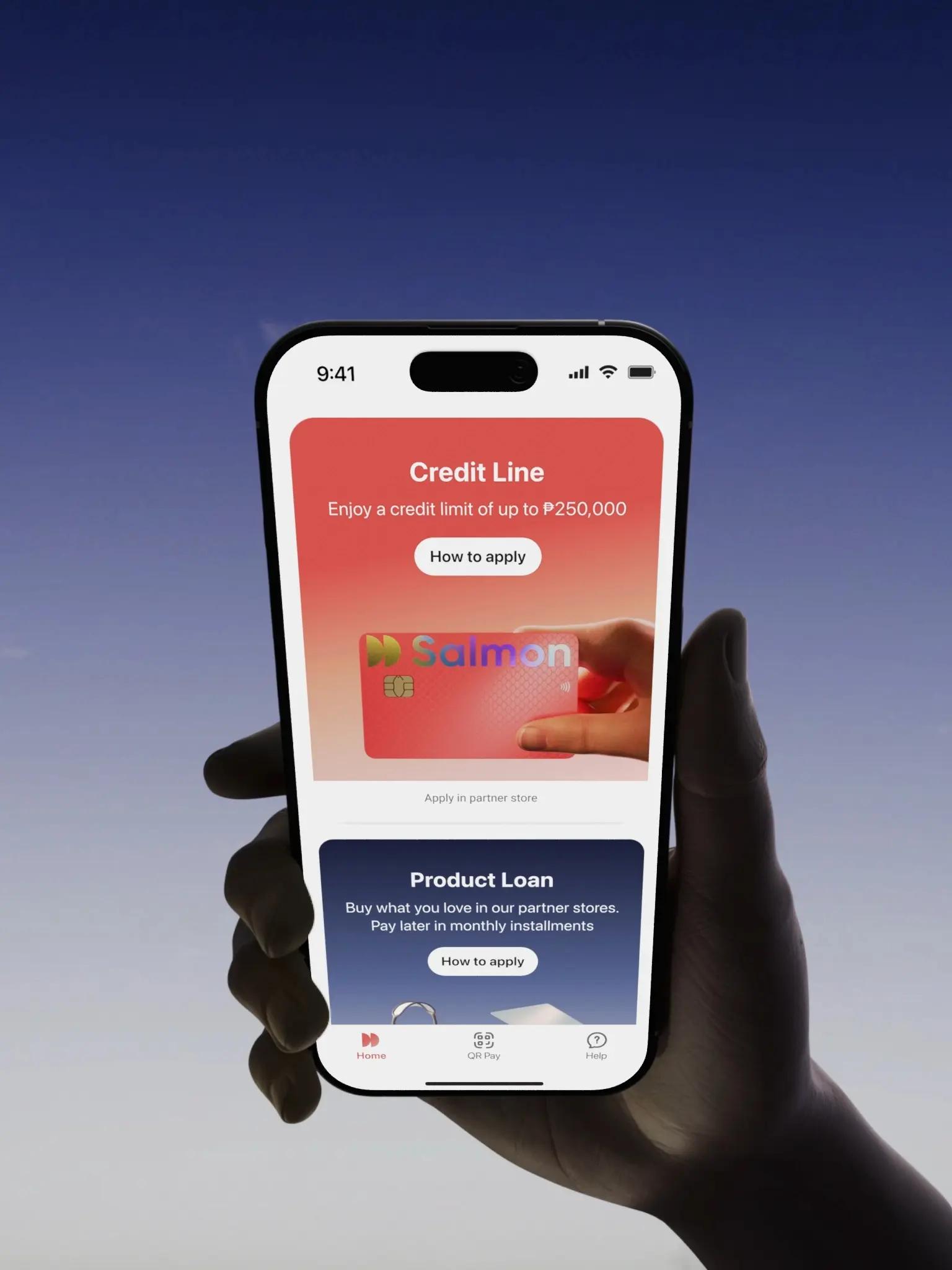
'%3e%3cpath%20d='M19.152%200H4.848C2.169%200%200%202.169%200%204.848V19.155C0%2021.831%202.169%2024%204.848%2024H19.155C21.831%2024%2024.003%2021.831%2024.003%2019.152V4.848C24%202.169%2021.831%200%2019.152%200Z'%20fill='white'/%3e%3cpath%20d='M11.8992%204.51409L12.3852%203.67409C12.6852%203.14909%2013.3542%202.97209%2013.8792%203.27209C14.4042%203.57209%2014.5812%204.24109%2014.2812%204.76609L9.59822%2012.8721H12.9852C14.0832%2012.8721%2014.6982%2014.1621%2014.2212%2015.0561H4.29122C3.68522%2015.0561%203.19922%2014.5701%203.19922%2013.9641C3.19922%2013.3581%203.68522%2012.8721%204.29122%2012.8721H7.07522L10.6392%206.69509L9.52622%204.76309C9.22622%204.23809%209.40322%203.57509%209.92822%203.26909C10.4532%202.96909%2011.1162%203.14609%2011.4222%203.67109L11.8992%204.51409ZM7.68722%2016.1811L6.63722%2018.0021C6.33722%2018.5271%205.66822%2018.7041%205.14322%2018.4041C4.61822%2018.1041%204.44122%2017.4351%204.74122%2016.9101L5.52122%2015.5601C6.40322%2015.2871%207.12022%2015.4971%207.68722%2016.1811ZM16.7292%2012.8781H19.5702C20.1762%2012.8781%2020.6622%2013.3641%2020.6622%2013.9701C20.6622%2014.5761%2020.1762%2015.0621%2019.5702%2015.0621H17.9922L19.0572%2016.9101C19.3572%2017.4351%2019.1802%2018.0981%2018.6552%2018.4041C18.1302%2018.7041%2017.4672%2018.5271%2017.1612%2018.0021C15.3672%2014.8911%2014.0202%2012.5631%2013.1262%2011.0121C12.2112%209.43409%2012.8652%207.85009%2013.5102%207.31309C14.2272%208.54309%2015.2982%2010.4001%2016.7292%2012.8781Z'%20fill='%23100127'/%3e%3c/g%3e%3cdefs%3e%3cclipPath%20id='clip0_372_12812'%3e%3crect%20width='24'%20height='24'%20rx='12'%20fill='white'/%3e%3c/clipPath%3e%3c/defs%3e%3c/svg%3e)
Over 1.5M users and counting
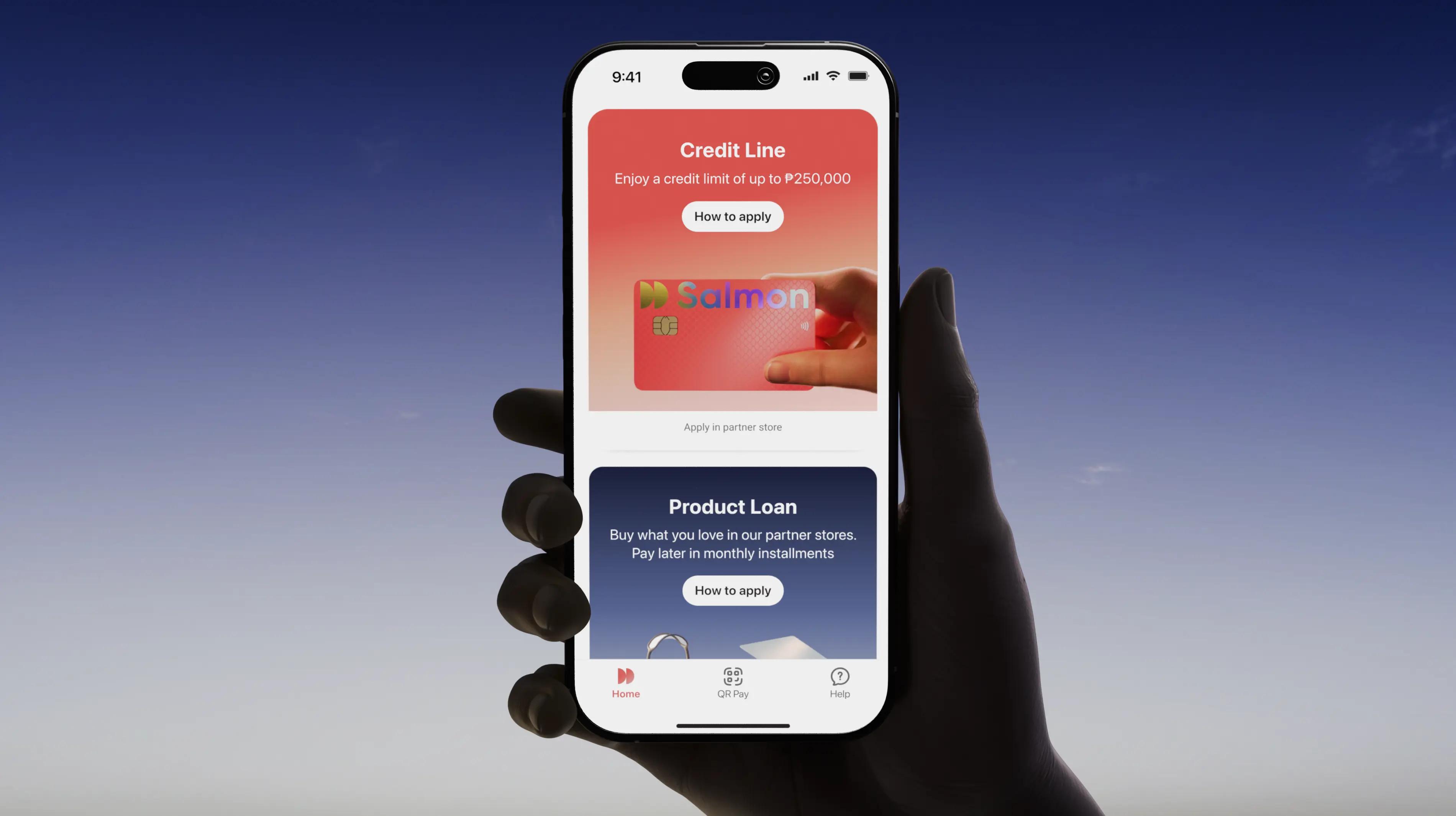
Salmon brings digital banking into one app with products designed to fit real life


Industry-leading security you can rely on
Biometrics and encryption
Allows access only through your fingerprint and face scan to keep your account protected
Two-step verification
Prevents unauthorized logins by sending a one-time code to your device to confirm it’s really you
24/7 fraud monitoring
Tracks your account activity around the clock and sends alerts for any suspicious activity
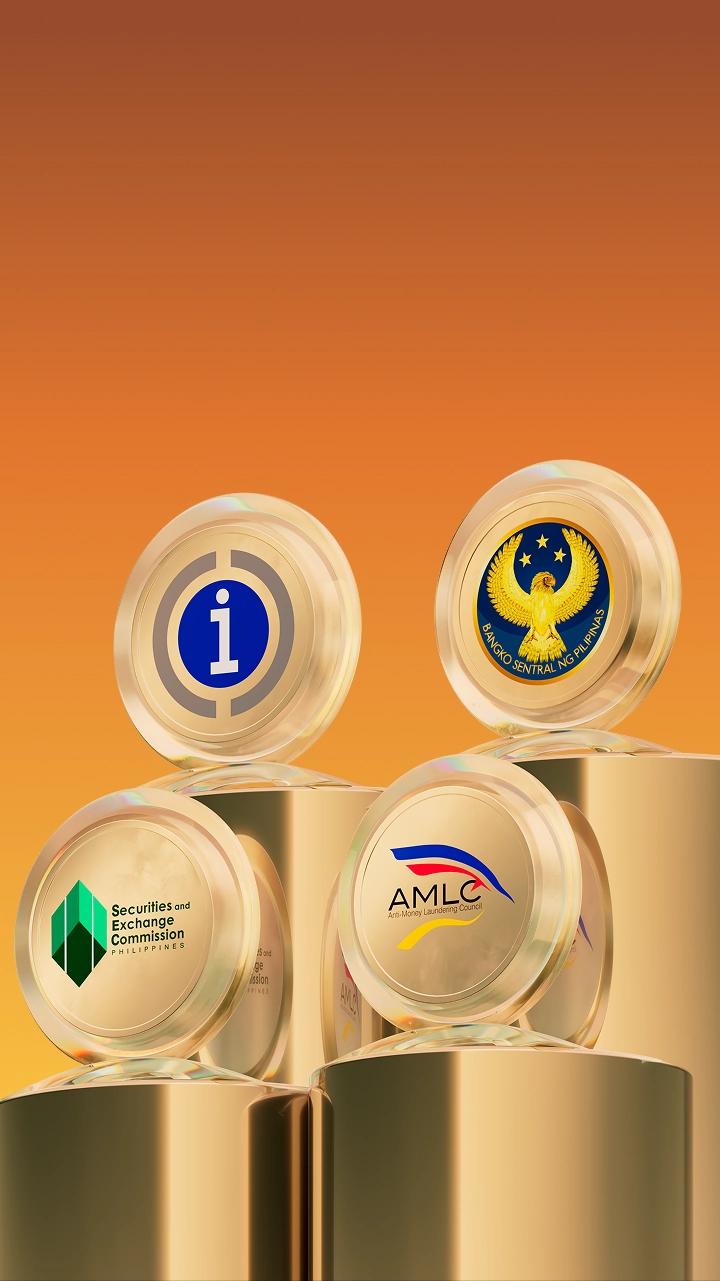
Committed to the highest banking standards
Fully licensed and BSP-regulated. We follow local regulations to keep your data private and your consumer rights protected
Latest news
Salmon secures $140 million (₱8.8 billion) to double down on the growth opportunity in the Philippines
$90 million financing committed by Spice Expeditions, WashU and Moore and $50 million of bond proceeds to fund the scaling of profitable lending and launches of new products




Join the team
Kotlin Developer (Core)
Remote
Data Science (Credit Risk)
Remote
System Analyst (Card Technology)
Remote
Analytics Engineer
Hybrid (Metro Manila)
Data Analyst, Credit Cards
Remote
Java Developer (API)
Remote
UX/CX Researcher
Hybrid (Metro Manila)
iOS Developer
Remote
Kotlin Developer (Core)
Remote
Data Science (Credit Risk)
Remote
System Analyst (Card Technology)
Remote
Analytics Engineer
Hybrid (Metro Manila)
Data Analyst, Credit Cards
Remote
Java Developer (API)
Remote
UX/CX Researcher
Hybrid (Metro Manila)
iOS Developer
Remote