Product Loan
Shop appliance on installment at SM Appliance Center
Get your dream appliances at SM Appliance Center via easy installments with Salmon

Appliance installment calculator
Find your appliance's retail price at SM Appliance Center online, then enter the amount below to see your estimated monthly payments
Terms and Conditions apply. POS Loans is a product offered by Salmon Finance Inc. (formerly Sunprime Finance Inc.) LoanOnline, powered by the Salmon app, serves as the online lending platform for Salmon Finance Inc., a licensed financing company regulated by the SEC with CA No. 1241 and CR No. CS201916698.
Popular appliances available at SM Appliance Center
Discover the most popular appliances customers buy with Salmon

Samsung Galaxy A07 LTE 4GB/128GB
₱5,990

TWA90-P70 TCL 9KG TOPLOAD INV WM
₱13,995
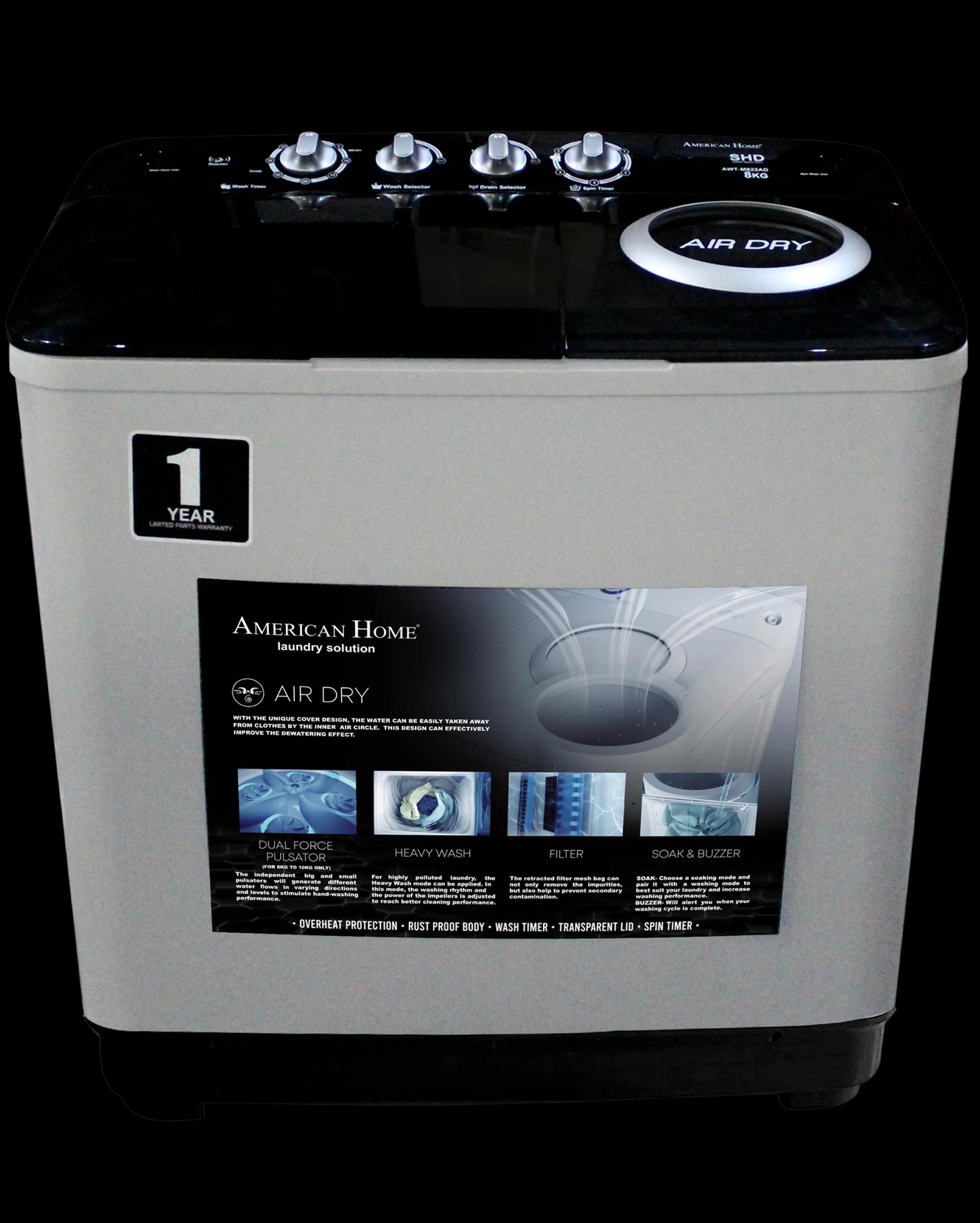
AWT-M622AD AME HOME 6KG TWINTUB WASHER
₱6,495

PARTYBOX 720 BLK HARMAN JBL
From ₱58,495
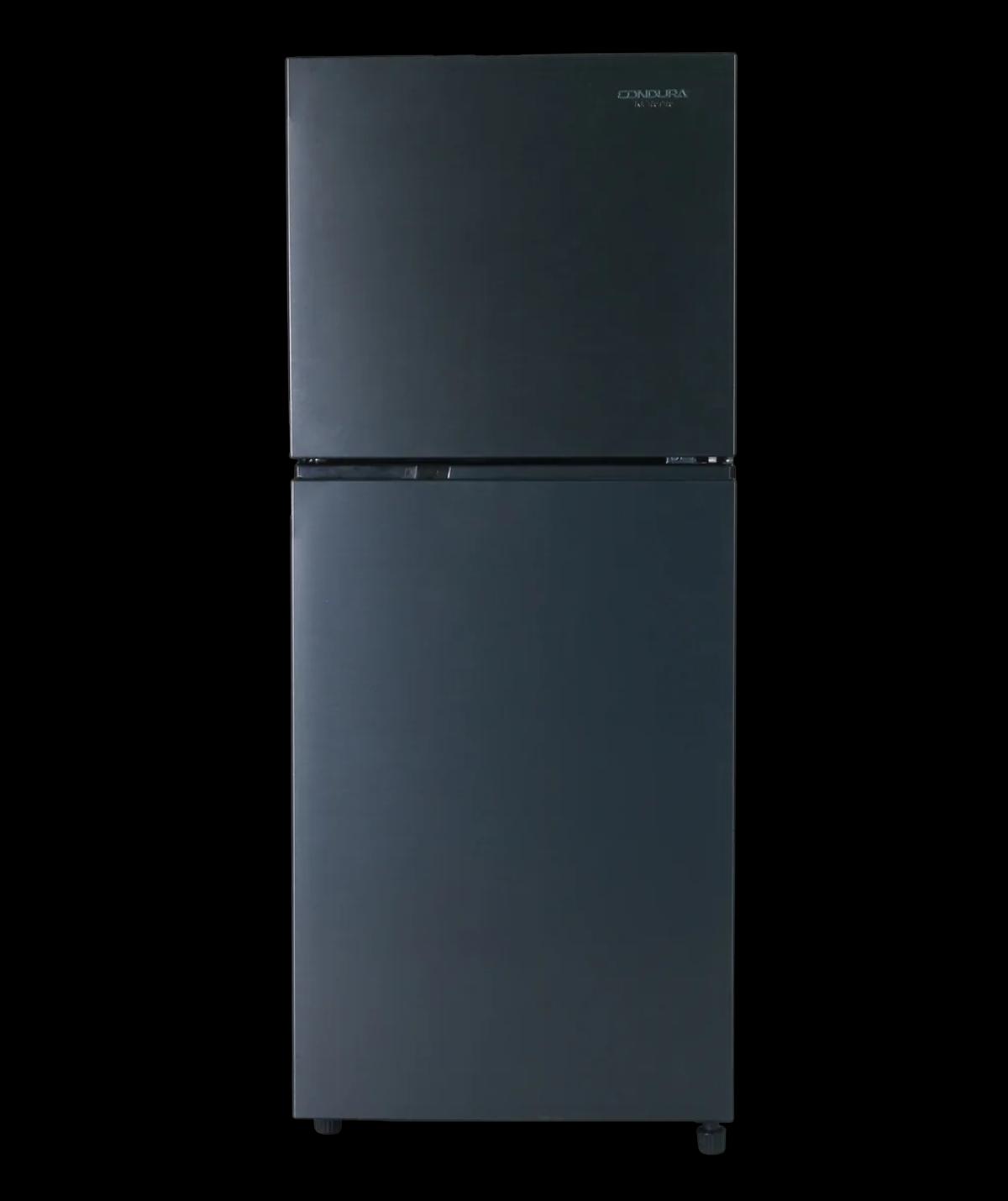
CTF88i 8.2CUFT CONDURA TMNF INV REF-M SLATEGRAY
₱17,095
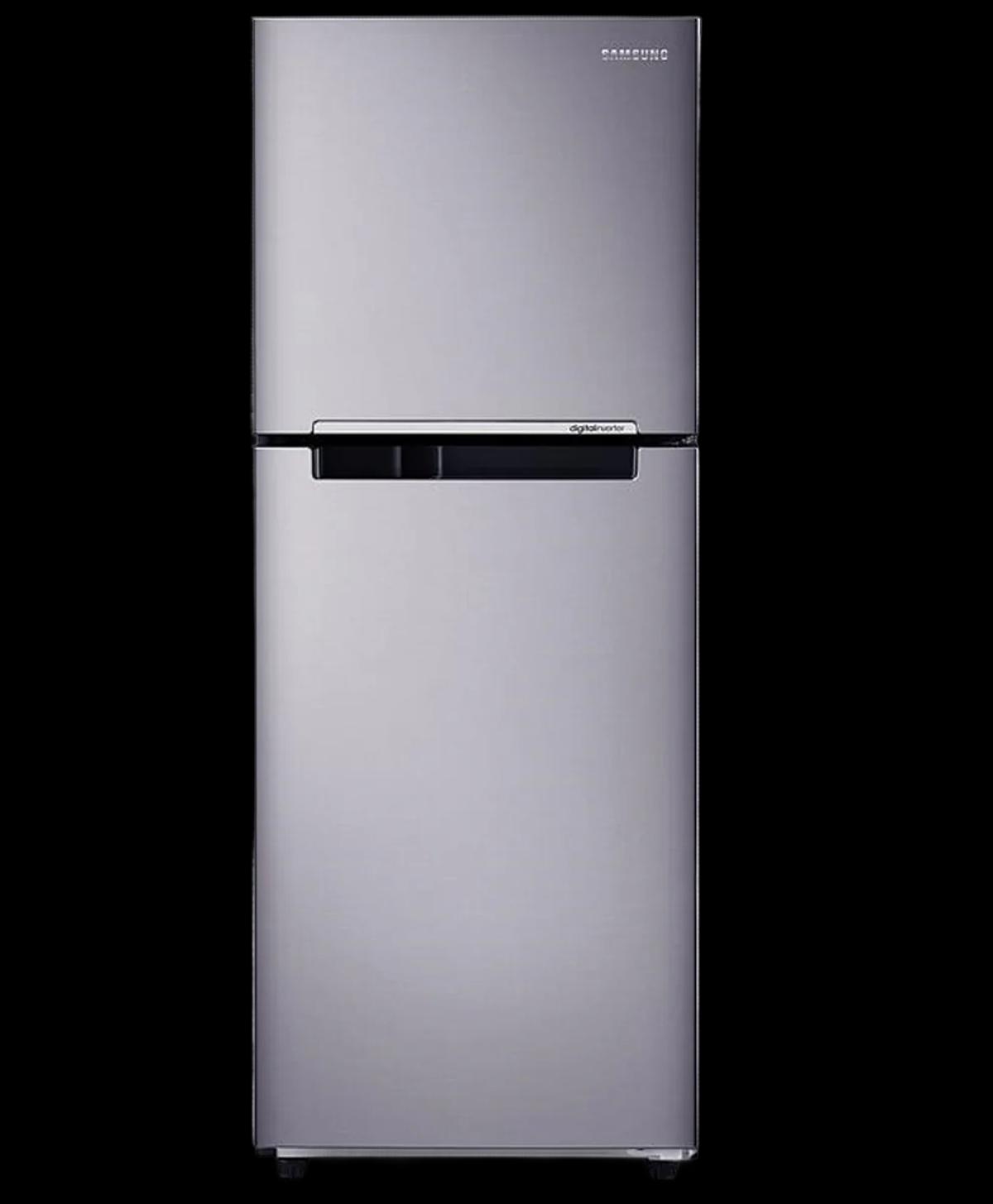
RT20FARVDSA 7.4CUFT SAMSUNG REF
₱18,250

LED-40V5C TCL 40`` GOOGLE QLED TV TCL
₱13,990

LED-75QM80H SKYWORTH 75`` MINI LED GOOGLE TV
₱54,990
How Salmon installments work
Don’t pay in full — pay online for your SM Appliance Center with an easy installment plan. Salmon’s application starts online and takes just a few simple steps

Choose your appliance
Find the appliance with your desired specs. Refer to the catalog and the installment calculator to determine the price and loan terms that fit your budget.

Apply within a few minutes
Fill out a short form with your personal and financial information. The entire process only takes a few minutes, with quick approval to follow. You may also apply via Salmon app.

Get approved and pick up your new appliance
Submit your easy application online. Once approved, confirm the installment terms online, then visit SM Appliance Center to pick up your new appliance.
Easy requirements to apply for appliance installment
Meet the criteria to get instant approval online, and finalize the total cost of your appliance at SM Appliance Center

Must be Filipino and at least 18 years old

One valid government ID

Stable income

Email and Philippine mobile number
Why choose Salmon for installment
Choose a plan with a fast application process, clear, upfront payment terms and without credit card requirement

Wide selection
Upgrade your home by choosing from the latest appliance models available in our catalog.
Competitive pricing
Price list includes a transparent breakdown of costs, monthly installments with interest — no hidden fees.

Convenient shopping
The process starts online — from browsing appliances, to applying for installment. Then, pick up your new appliance at an SM Appliance Center.
FAQ
To get a product purchase loan, first find a store that is a Salmon partner in our location directory. Once you're in the store, locate a Salmon Ambassador who will tell you about the terms, advise on what products you can buy on credit, help you fill out an application, and obtain the loan.
You may chat with Salmon Customer Service via our In-App Chat to know the nearest partner store in your area. To do so, first open the Salmon app, tap Help, and then, tap Chat with us.
To be eligible for a loan, you must be a Filipino citizen aged 18 or above with a stable income, whether from employment, self-employment, business, or remittances. You need at least one valid ID from the list, an iOS or Android phone, and a mobile number and email that only you use and own.
Before visiting the store, make sure to check all the requirements to avail a loan.
If you're a new Salmon client, you have the exclusive opportunity to apply for Salmon Credit Line directly within the app.
There are two ways you can make repayments for your loans at Salmon:
Using the Salmon app — the most secure repayment method with no additional fees.
Without the Salmon app — make repayments through external channels like e-wallets, bank apps, or self-service kiosks. Please note that some fees may apply, which are collected by our payment partners.
Using the Salmon app
Log in to the Salmon app using the mobile number you registered during the application process. Once logged in, select the loan product you wish to repay from the options available on the Home screen.
GCash / Maya (Recommended)
The fastest and easiest option: select GCash or Maya, generate the QR Ph code, and upload it to your chosen e-wallet app.
Banks (UnionBank, RCBC, and BPI)
The Salmon app will redirect you to your selected bank’s app to complete your payment.
Over-the-counter (7-Eleven and Cebuana Lhuillier)
Generate your payment barcode/code from the app and visit one of the listed partners to make your repayment.
All repayments made through the Salmon app come with no transaction fees with instant SMS/push confirmation of your repayment, and our support team is available 24/7 to help you along the way in case of any questions or requests.
Don’t have the Salmon app yet? Download it now
Without the Salmon app
Outside the Salmon app, you can pay through various self-service kiosks or our partners’ apps.
To make your payment, remember to use your loan account number. You can easily find this in the Salmon app. Just tap your loan product on the Home screen and check the Account details section.
Self-service kiosks
Look for Salmon under the Bills section:
CLiQQ — available at 7-Eleven stores nationwide
ECPay — available at TrueMoney, Puregold, and other partner outlets
eTap — available in select locations
Mobile apps
Find Salmon under Bill Payments in:
GCash / Maya
Globe
BDO
PalawanPay
An ₱18 service fee applies when you pay through these services. This fee is charged by our payment partners. Payments made through the Salmon app remain free of charge.
Blog